



Okładka:
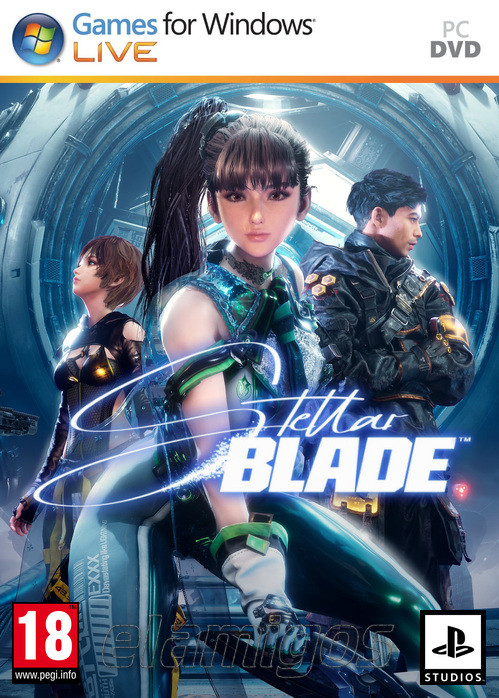
Opis:
Wymagania sprzętowe:Gra RPG akcji z elementami soulslike i widokiem TPP, inspirowana takimi hitami jak NieR: Automata oraz God of War. W Stellar Blade (znanym wcześniej jako Project Eve) trafiamy na postapokaliptyczną Ziemię i wcielamy się w wojowniczkę walczącą z potworami, które go opanowały.
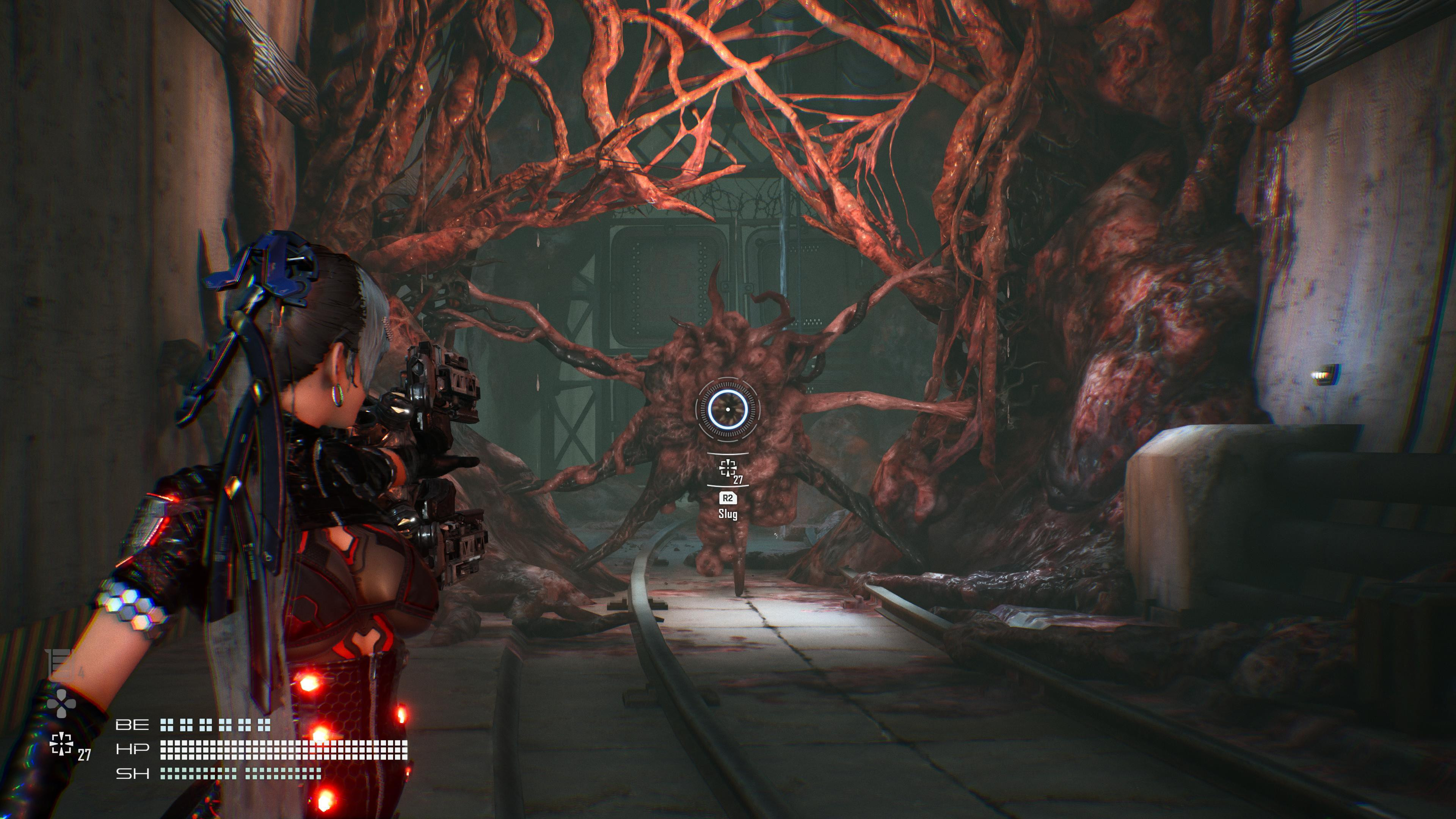
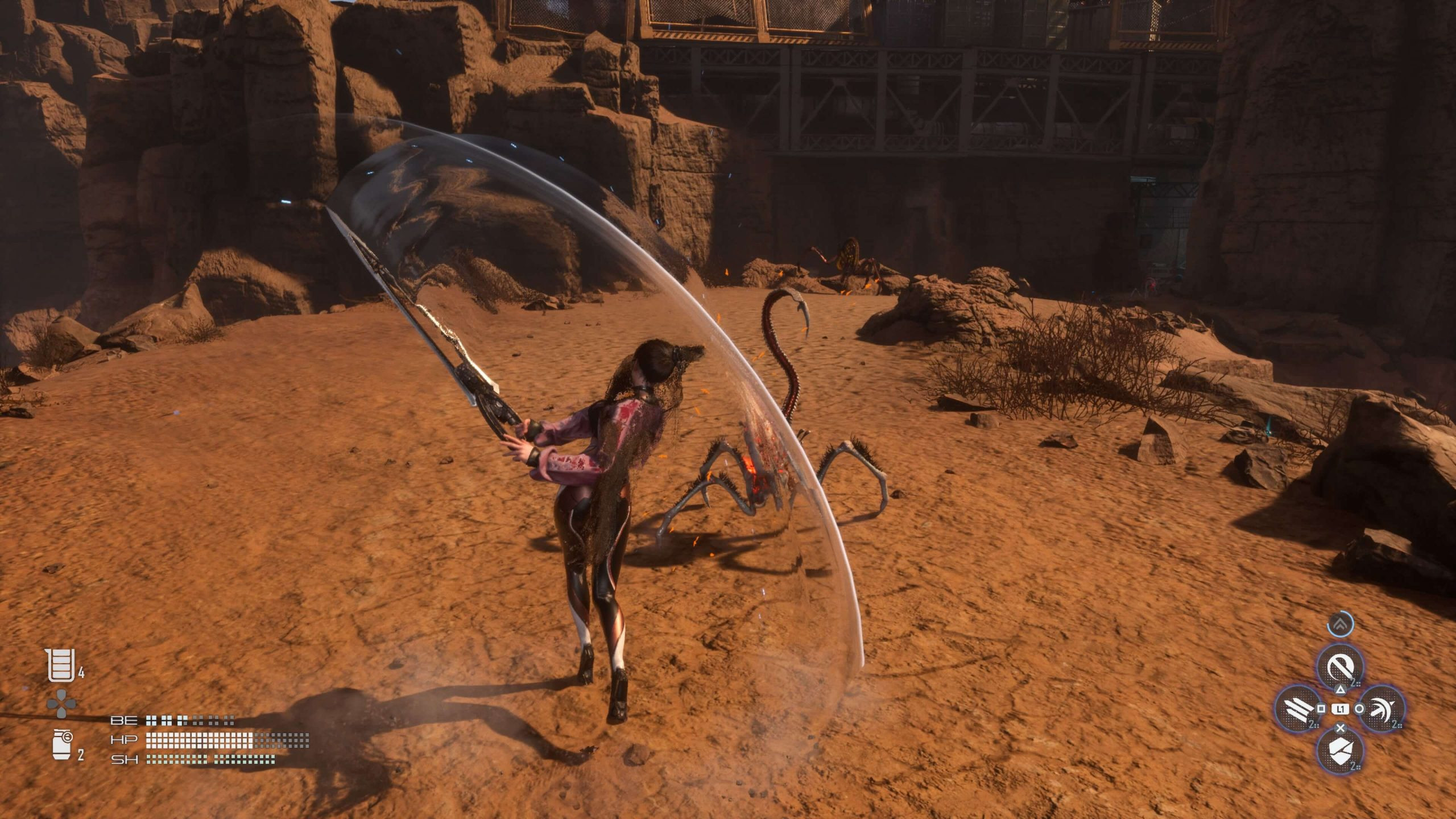
Przykładowe obrazki z gry:Minimalne wymagania sprzętowe:
(1080p, 60 fps) Intel Core i5-7600K / AMD Ryzen 5 1600X, 16 GB RAM, karta graficzna 6 GB GeForce GTX 1060 / 8 GB Radeon RX 580, 75 GB HDD, Windows 10 64-bit.
Rekomendowane wymagania sprzętowe:
(1440p, 60 fps) Intel Core i5-8400 / AMD Ryzen 5 3600X, 16 GB RAM, karta graficzna 6 GB GeForce RTX 2060 Super / 8 GB Radeon RX 5700 XT, 75 GB SSD, Windows 10 64-bit.
ABBC3_SPOILER_SHOW
DLC: x NieR:Automata, x GODDESS OF VICTORY NIKKE, NIKKE Code Box, NIKKE Code Verification, Tachyon Pack, Deluxe Pack, Pre-purchase Rewards.
Release is using Hypervisor bypass by DenuvOwO team. Instructions:
- install game
- educate yourself first by reading _Info.txt and DenuvOwO.nfo; CPU virtualization must be enabled in BIOS (some motherboards have it enabled as default setting)
- start as Administrator "VBS.cmd" from game folder, press 1, restart computer, then on the next boot press F7 when new window will show up (driver signature OFF)
- start from desktop icon
Once you make it work, any other game with Hypervisor can be installed and played from desktop icon (as long as you don't restart/shutdown PC - then again VBS.cmd > 1 > reboot > F7 > desktop icon)
Please Login or Register to see this codeRozmiar/Total Size (WinRaR): 56,7 GB
Zawartość Uploadu: PLIK .ISO,
Rodzaj Kompresji: .rar
Wersja Językowa: PL
Dane Naprawcze: 3%
Hasło: BRAK
