Strona 1 z 1

NBA 2K26 (2025)

: 27 mar 2026, 20:02
autor: Koniu
NBA 2K26 (2025)

Obrazek
Dwudziesta siódma część bestsellerowego cyklu gier sportowych poświęconych koszykówce. NBA 2K26 jest dziełem czuwającego nad rozwojem serii studia Visual Concepts, a gwiazdą okładki tej produkcji został Shai Gilgeous-Alexander, znany pod pseudonimem „SGA”.
NBA 2K26 *Hypervisor* (2025) ver.5.0 (26.02.2026) 22 DLC are included (4K Textures + 21 more) ElAmigos
Release is using Hypervisor bypass by DenuvOwO team. Instructions:

- install game

- educate yourself first by reading _Info.txt and DenuvOwO.nfo; CPU virtualization must be enabled in BIOS (some motherboards have it enabled as default setting)

- start as Administrator "VBS.cmd" from game folder, press 1, restart computer, then on the next boot press F7 when new window will show up (driver signature OFF)

- start from desktop icon

Once you make it work, any other game with Hypervisor can be installed and played from desktop icon (as long as you don't restart/shutdown PC - then again VBS.cmd > 1 > reboot > F7 > desktop icon)

Info:
Wielkość całości: 94.7 GB
Rodzaj kompresji: rar
Wersje językowe: English, French, Italian, German, Spanish, Japanese, Korean, Chinese Traditional, Chinese Simplified
Audio/Commentary: English
Instalacja:
1. Wypakuj.
2. Wypal obraz płyty lub zamontuj w wirtualnym napędzie.
3. Zainstaluj grę.
4. Graj
Download: Please Login or Register to see this code

Re: NBA 2K26 (2025)

: 28 mar 2026, 18:58
autor: BruT4L
NBA 2K26 *Hypervisor* (2025) [Updated to version 5.0 (26.02.2026) + 22 DLC] ElAmigos

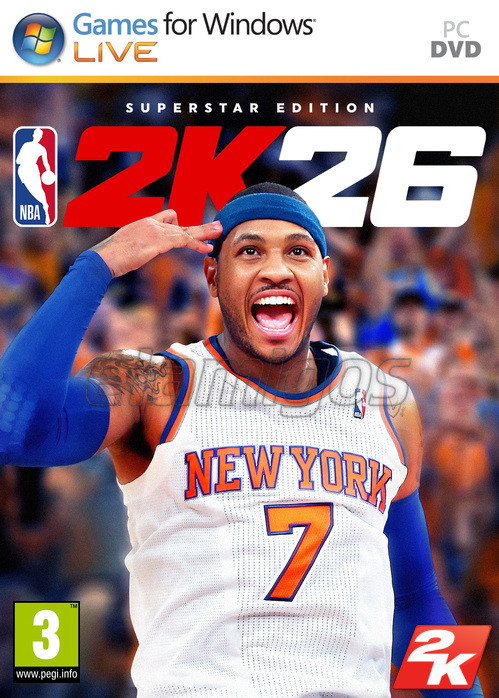
Okładka:
ABBC3_SPOILER_SHOW
Opis:
ABBC3_SPOILER_SHOW
Wymagania sprzętowe:
Minimalne wymagania sprzętowe:
Intel Core i3-9100 / AMD Ryzen 3 1200, 8 GB RAM, karta graficzna 6 GB GeForce GTX 1060 / 4 GB Radeon RX 5500 XT, 110 GB SSD, Windows 10 64-bit.

Rekomendowane wymagania sprzętowe:
Intel Core i5-10600 / AMD Ryzen 5 3600X, 16 GB RAM, karta graficzna 8 GB GeForce RTX 2070 / Radeon RX 5700, 110 GB SSD, Windows 11 64-bit.
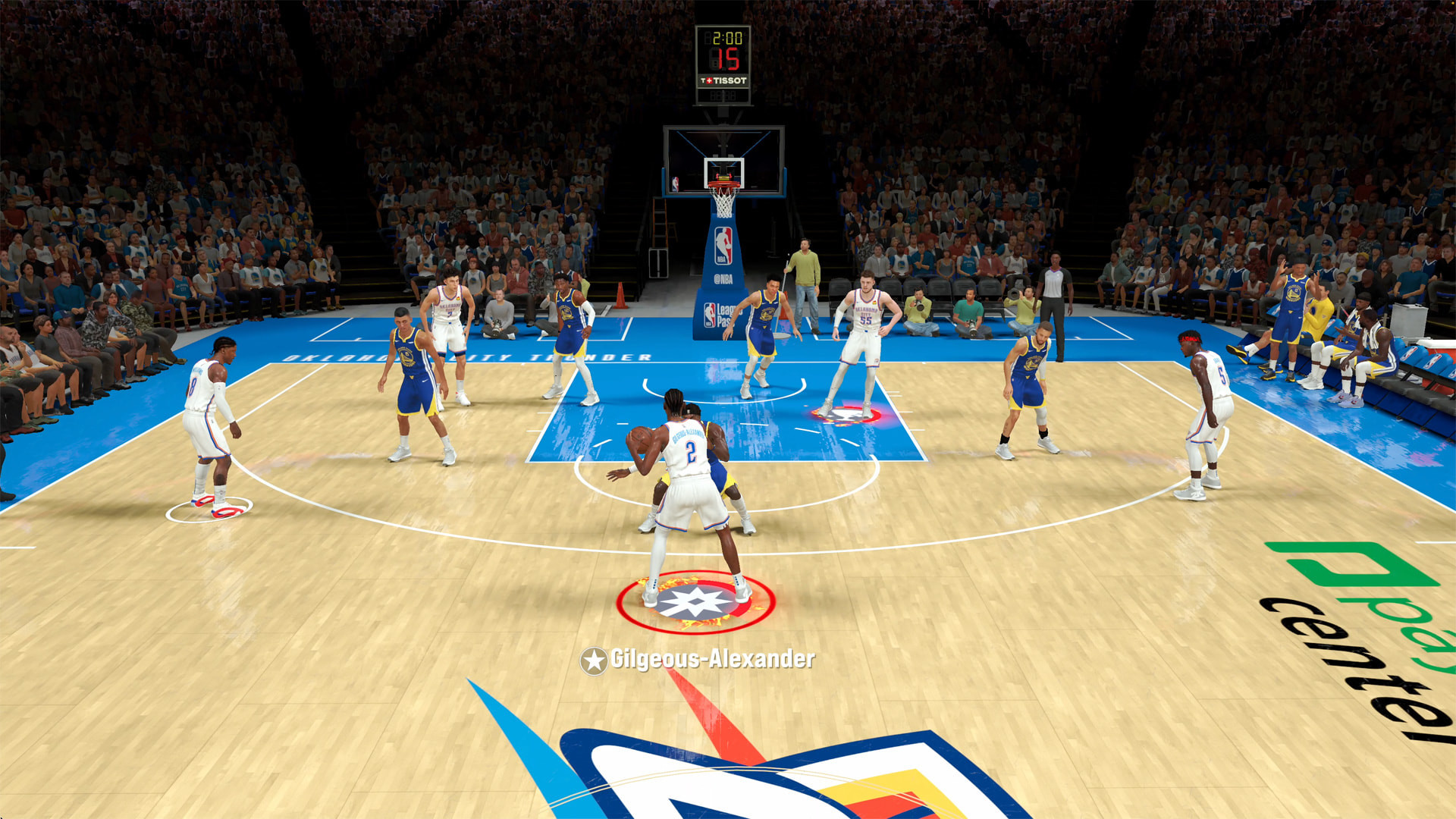
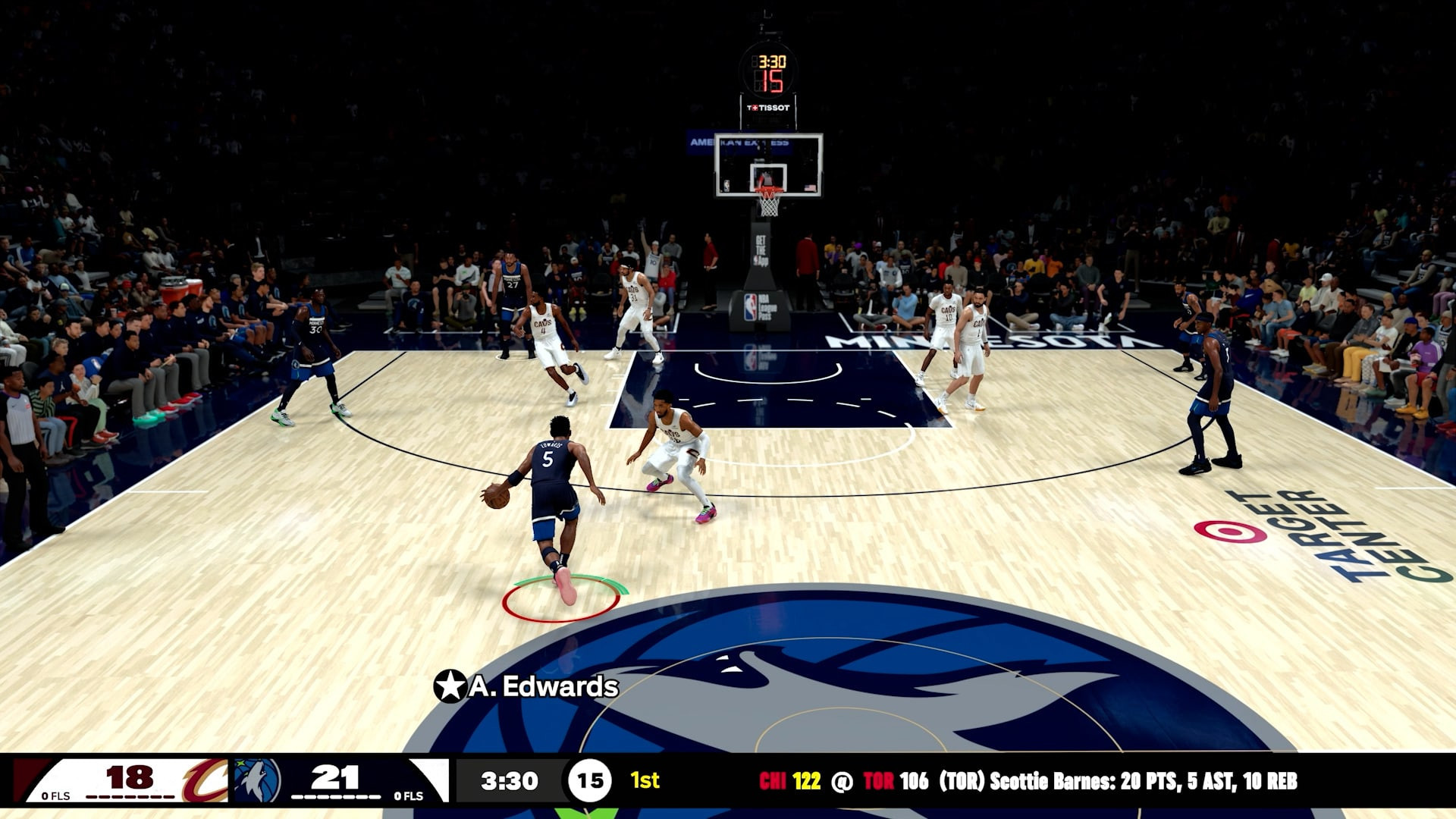
Przykładowe obrazki z gry:
ABBC3_SPOILER_SHOW
Release is using Hypervisor bypass by DenuvOwO team. Instructions:

- install game

- educate yourself first by reading _Info.txt and DenuvOwO.nfo; CPU virtualization must be enabled in BIOS (some motherboards have it enabled as default setting)

- start as Administrator "VBS.cmd" from game folder, press 1, restart computer, then on the next boot press F7 when new window will show up (driver signature OFF)

- start from desktop icon

Once you make it work, any other game with Hypervisor can be installed and played from desktop icon (as long as you don't restart/shutdown PC - then again VBS.cmd > 1 > reboot > F7 > desktop icon)
Rozmiar/Total Size (WinRaR): 97,6 GB
Zawartość Uploadu: PLIK .ISO,
Rodzaj Kompresji: .rar
Wersja Językowa: eng
Dane Naprawcze: 3%
Hasło: BRAK
Please Login or Register to see this code